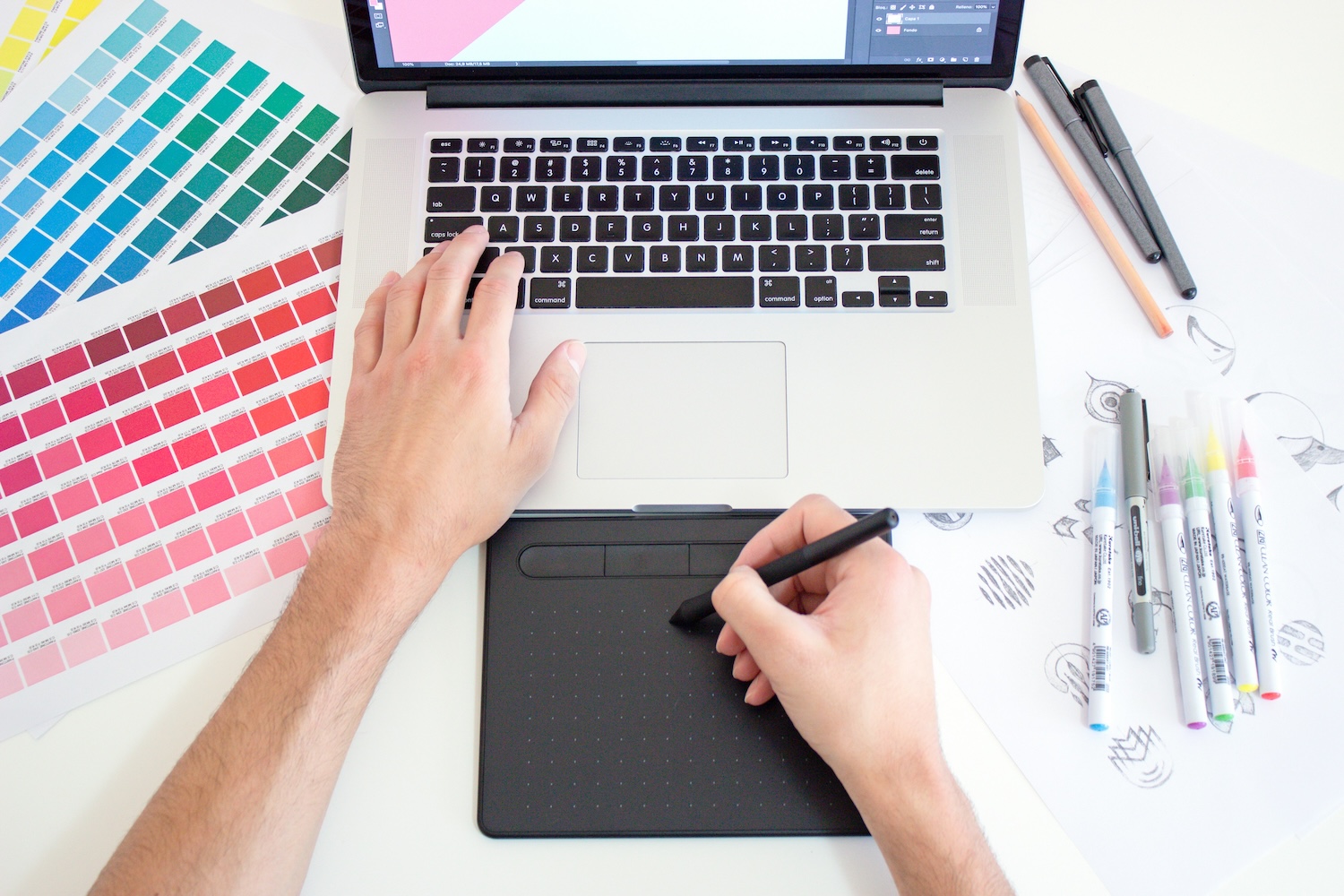
Many beginners are put off print on demand by the idea that they must be able to draw or master Photoshop. The truth is the opposite: most best-selling POD designs are simple and can be made in free tools anyone can use. The idea and the niche decide, not graphic skills.
In this article we'll go through tools for creating without a designer, types of designs that work, the technical requirements of printing and how not to breach copyright. If you're just starting out, follow on from the beginner's guide to print on demand.
What makes a good POD design
A good POD design isn't a work of art but a clear message for a specific niche. Simplicity often wins — readable typography, a joke or a line the audience identifies with. The more precisely you hit what the target group feels, the better the product sells, even if it's just text on a single-color background.
Before you create anything, get clear on the niche and audience — a design for runners looks and speaks differently than a funny shirt for programmers. How to find and validate a niche is covered in how to find a profitable niche.
Tools for creating without a designer
For a start, free or low-cost tools are more than enough. Canva is the easiest for typography and simple compositions, Kittl suits more elaborate text and vintage designs, Photopea is a free Photoshop alternative right in the browser. AI image generators are also available for graphic motifs.
Don't buy expensive software or a subscription right away. Pick one tool, learn its basics, and only once you know what you're selling, move to something more advanced if needed. Most tools can export to print-ready formats.
Types of designs that work
Three directions work reliably: typography and lines (jokes, quotes, niche identity), minimalist graphic motifs (a simple icon or symbol) and niche-specific combinations of text and graphics aimed at a specific community. You can handle all three without drawing.
Avoid cluttered designs with many details — they look illegible on the product and print worse. Less is more: one strong idea cleanly executed beats a complex illustration every time.
Technical requirements of printing
For a design to come out well, follow a few rules: 300 DPI resolution, a transparent background (PNG format) and respecting the product's print area. Most POD services have guides on exact dimensions for each product — follow them so the motif isn't cropped or blurred.
The result also depends on the chosen print method and material — what suits cotton may not work on polyester. We explain the differences between DTG, DTF and sublimation in print methods for POD. Always order a sample before selling.
Common mistakes and copyright
The most dangerous mistake is copyright infringement: don't use other people's logos, characters, photos or fonts without a license. Finding an image online doesn't mean you may use it commercially — you risk having your shop taken down and legal action. Use your own creations, licensed sources and fonts intended for commercial use.
Other common mistakes include copying other people's successful designs (inspiration yes, copying no) and low resolution that looks blurry on the product. Bet on originality and technical cleanliness — that's what builds trust and repeat sales.
Once your first designs are ready, the configurator or the overview in POD services will help with choosing a POD service and products.
PODpickr is an independent comparison site. We base our recommendations on score, not on the size of the affiliate commission.